Banjo-Kazooie

Manual (PDF) Player's Guide PDF Walkthrough
Banjo-Kazooie is available by a Recompilation effort.
Installation - Recompilation
- Download the latest release of the Recompilation, and extract it to a folder on your computer. For example, I'm going to call the folder
BanjoRecomp. - Add a Banjo-Kazooie ROM to
BanjoRecompfor convenience. You don't need to, but it will keep things organized. - Create a blank text file called
portable.txtin the directory (see "Syncing Saves" for why). - Launch
BanjoRecompiled.exefrom the Recompilation folder. - Similarly to the Zelda 64 Recompilation, one of the options will be "Load ROM"
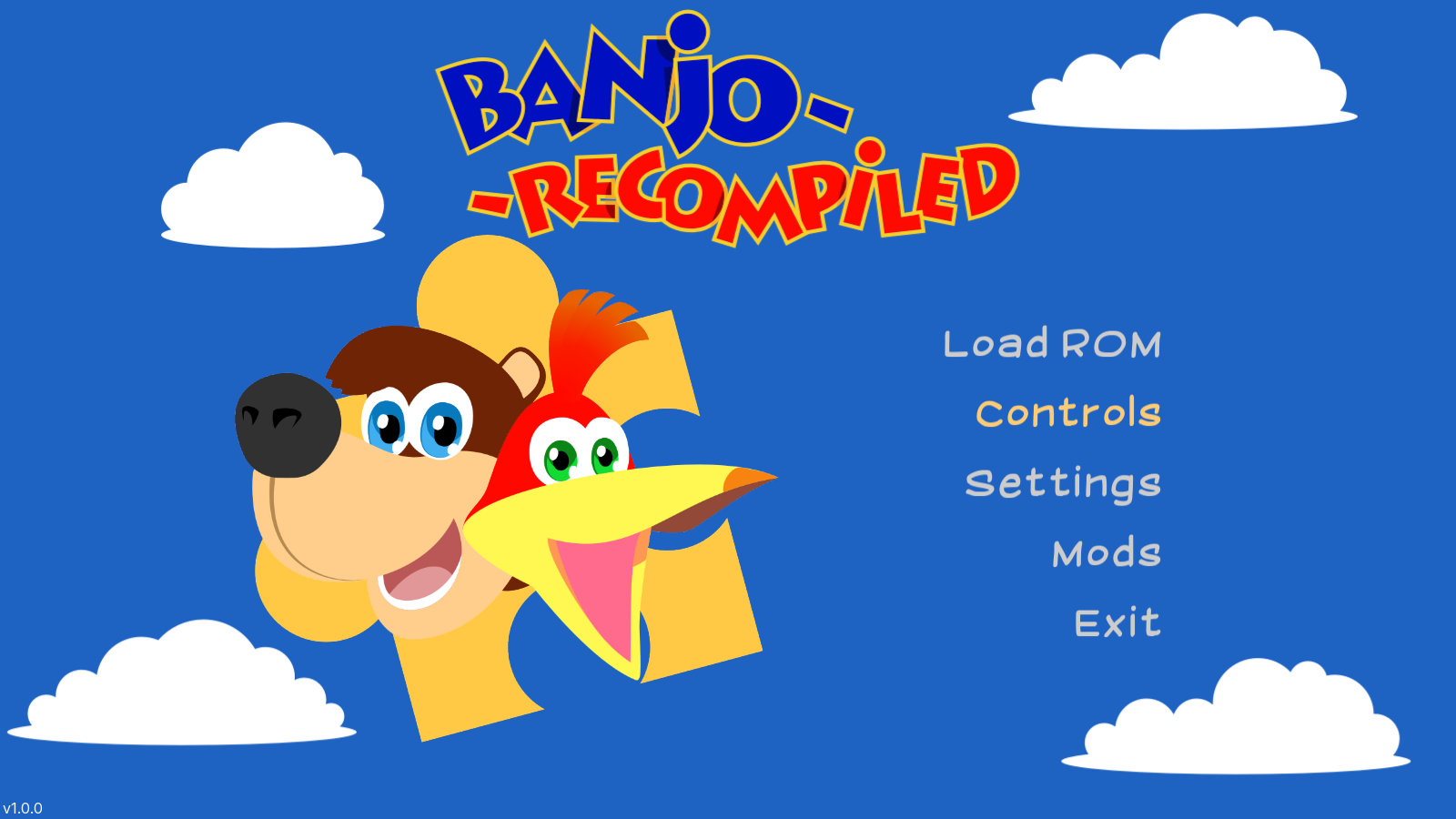
- Locate your ROM; only the USA v1.0 version of Banjo-Kazooie will be accepted.
- Once located, "Find Rom" will change to "Start Game." Enjoy!
Syncing Saves
By adding portable.txt to our folder during installation, it meant that our save data is saved within BanjoRecomp under the saves folder. This makes syncing it using SyncThing simple.
To sync using SyncThing:
- Create a folder sync that points to your
BanjoRecompfolder. -
In the
Ignore Patternspane, add:!/saves * -
Before sharing the folder using SyncThing, download and extract the Recompilation on your second device. Make sure to also add
portable.txtto the new installation. - Share the folder using SyncThing.
- On your second device set the folder's target to be inside your
BanjoRecompdirectory. Example:D:\BanjoRecomp- thesavesdirectory will be automatically created.
Options
In the Options > General menu, there are two options I recommend enabling:
- Note Saving: Saves collected notes when you exit a world, so you won't need to recollect them when you come back.
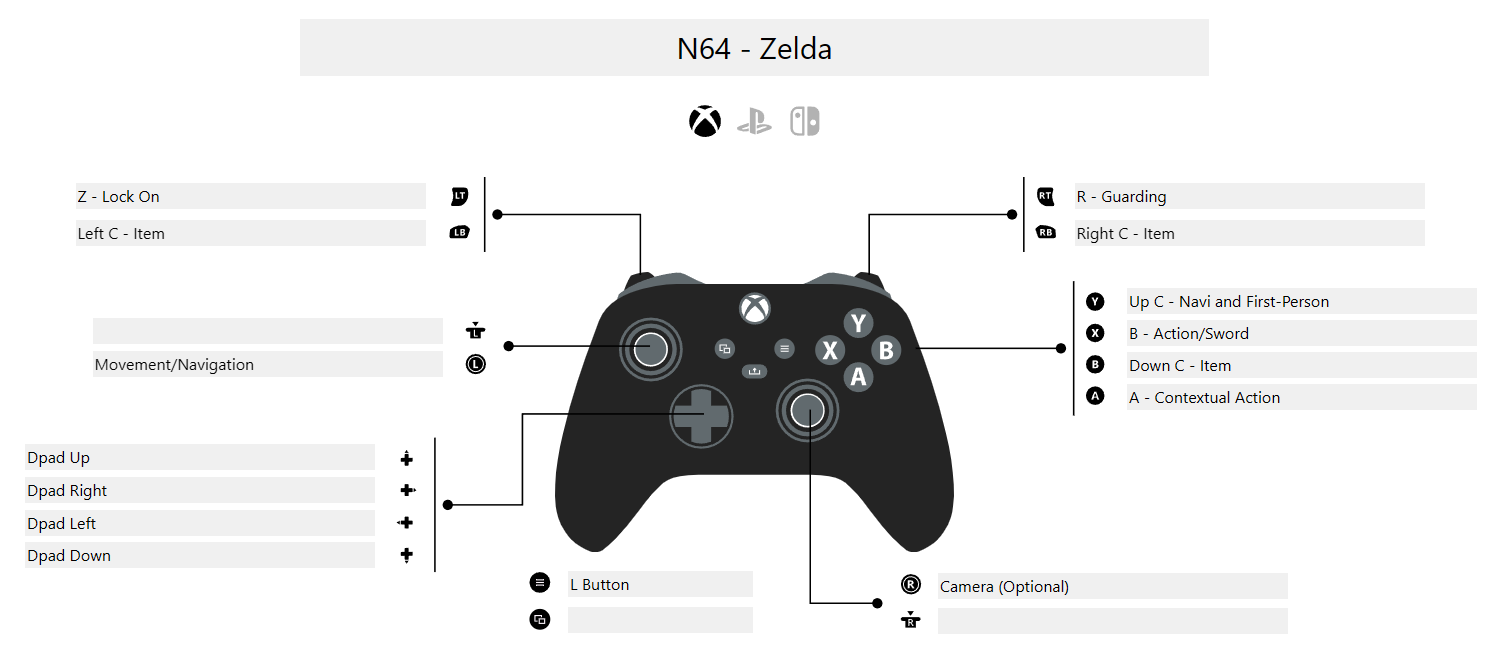
Offis the default setting to the original game. - Analog Camera: Enables your right analog stick to be used for a camera. This requires your C-Buttons to be remapped off of the right stick (they are by default). My Zelda 64 controller layout works here: