Doom and Doom II
Doom Wiki Doom I + Doom II on GOG
Doom and Doom II were made open-source in the late 1990s. This means there is great support for modern source ports. Doom and Doom II don't use Ship of Harkinian or Recompilation formats. Basically, the code was released in a way that made porting in a more natural way.
You will need both a program to play the game, as well as DOOM.WAD (for Doom) and DOOM2.WAD (for Doom II). You can get these by sailing the high seas or by buying most versions of Doom; it'll include the WADs when installed.
UZDoom
UZDoom is a modern port for most systems. I'd previously used GZDoom, an older version.
- Download UZDoom here. There are files for Linux, Windows and Mac. Extract it to a folder.
- Place
DOOM.WADand/orDOOM2.WADinto the same directory. - Create a blank file called
uzdoom_portable.iniin the same directory before launching for the first time. - Run
UZDoom.exe. The window will open, and will ask you which game you'd like to play.
Syncing Your Saves
Adding uzdoom_portable.ini to the installation means that when you configured UZDoom, the installation was made portable. This means that your saved games are saved inside the UZDoom directory, in the Save folder.
To sync using SyncThing:
- Create a folder sync that points to your
UZDoomfolder. -
In the
Ignore Patternspane, add:!/Save * -
Before sharing the folder using SyncThing, download and extract UZDoom on your second device. Make sure to also include the
uzdoom_portable.inifile. - Share the folder using SyncThing.
- Set the folder's target to be inside your Ironwail directory. Example:
D:\UZDoom. Remember, it'll create theSavedirectory for you.
Options
In the "options" tab of UZDoom.exe, you can change things like your screen resolution, language and graphics API.
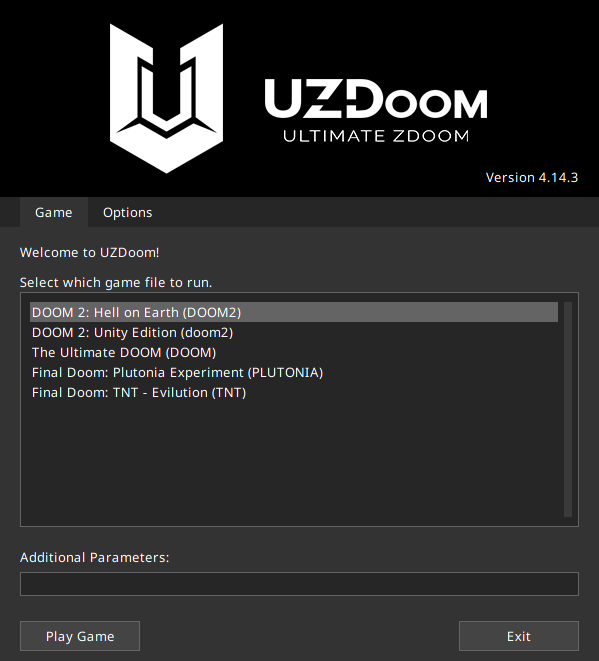
These can be changed to your liking.
Inside the game itself (I'm using Doom 2 below for an example) you have a multitude of options in terms of key remapping, enabling/disabling mouselook (the ability to aim with a mouse), and other quality-of-life/accuracy things.
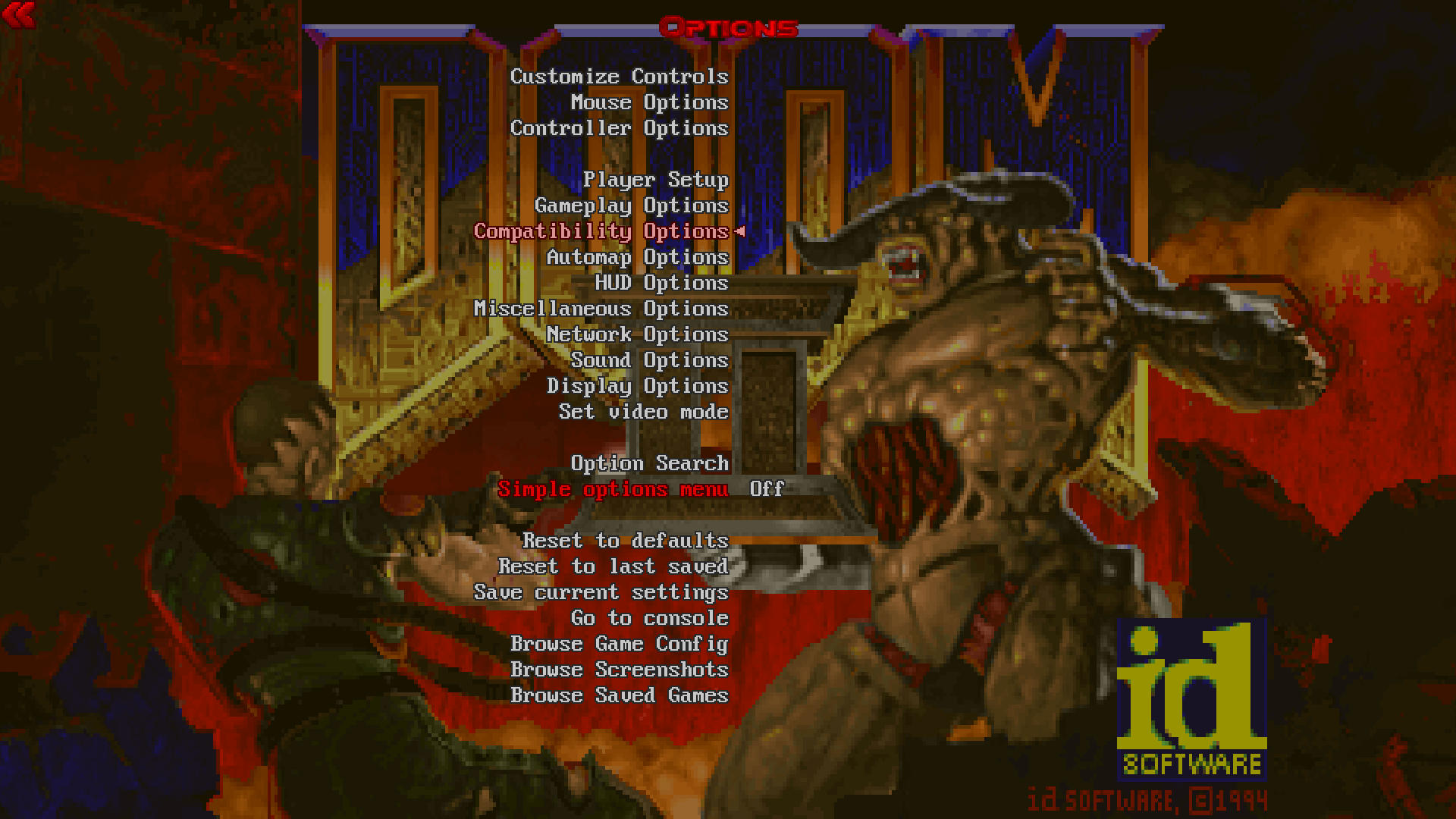
My main recommendation is going to the Display Options > Dynamic Light Options menu and disabling dynamic lighting for software and hardware mode.